

SelfBack guide
Do you need help getting SelfBack set up? Here you can see a step-by-step walkthrough of the SelfBack setup

Scroll to continue
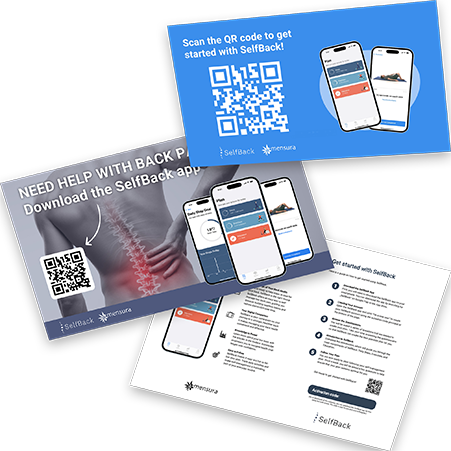
1
1
Activation Code
To get started with SelfBack you need an activation code which has been provided through either a flyer or a video.
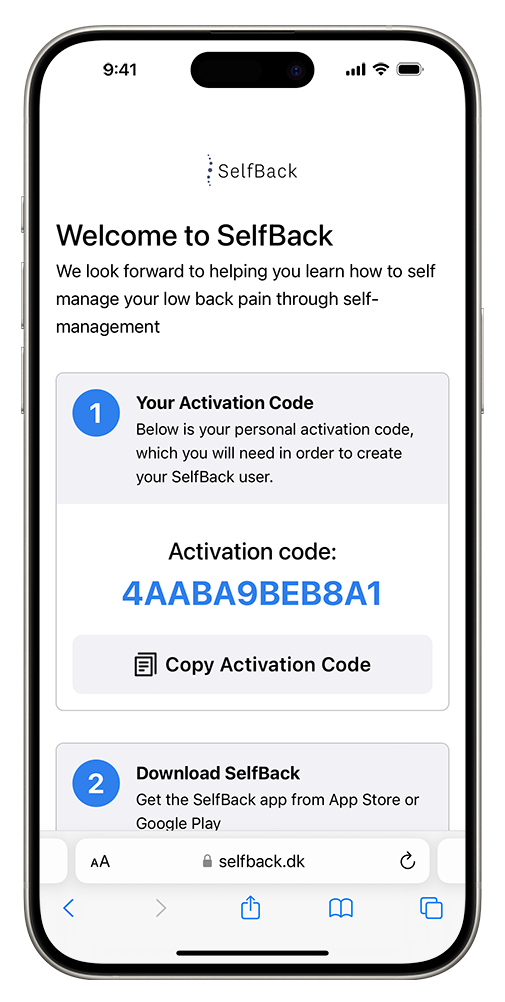
2
2
Copy Code
If you have scanned a QR code, copy the activation code on this page.
If you already have your activation code (e.g. through a flyer), you can skip this step.
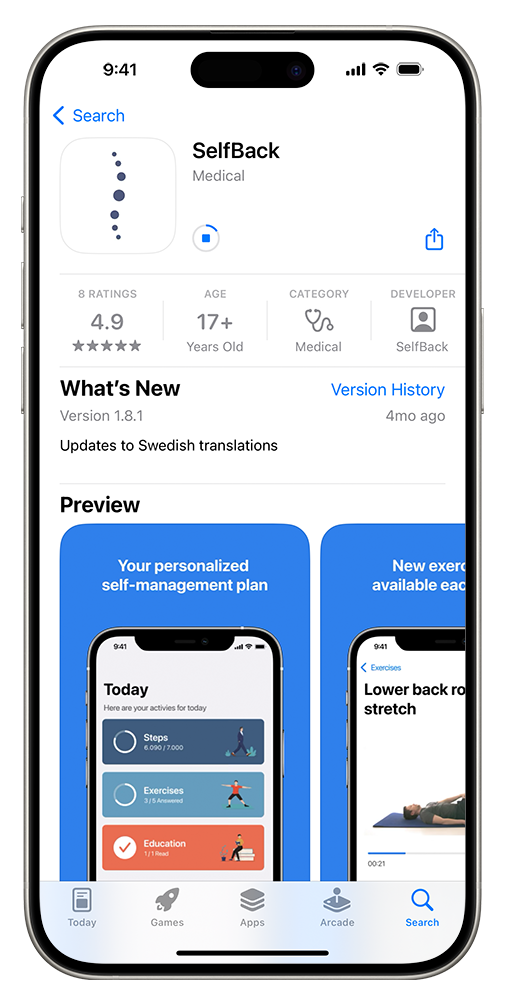
3
3
App Store
Visit your app store to download the SelfBack app and open it.
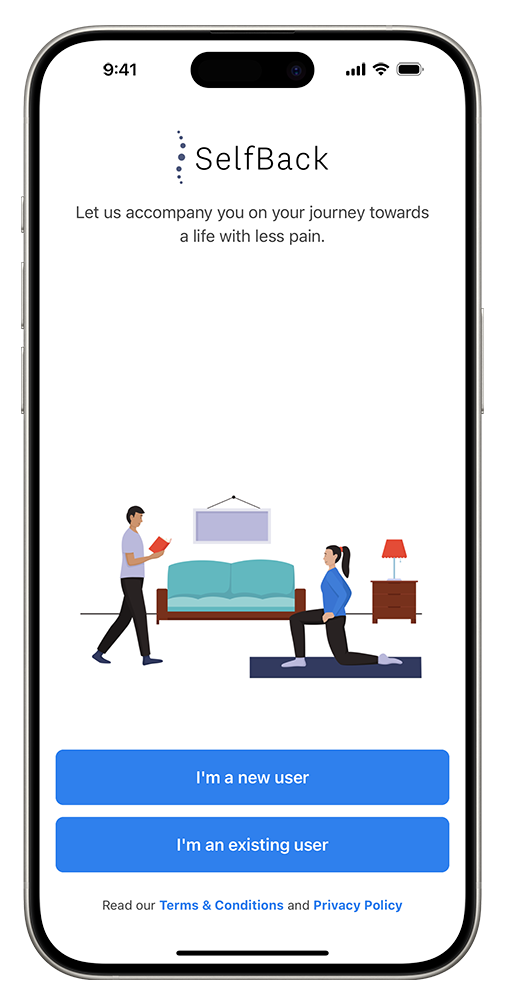
4
4
Create user
On the welcome screen, click the “I'm a new user” button to proceed.
5
5
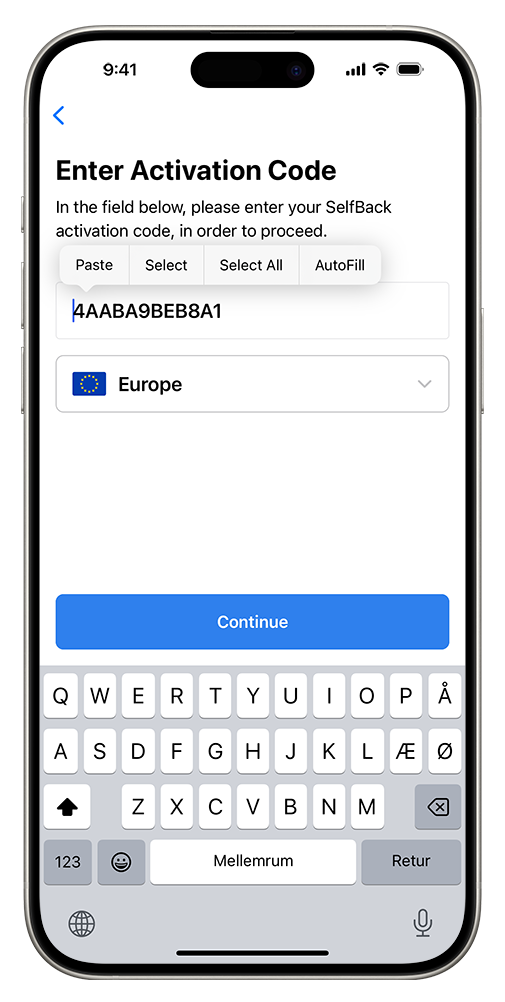
Enter code
Enter your activation code. If you copied your code earlier, you can paste it. This step is crucial to activate your account.
6
6
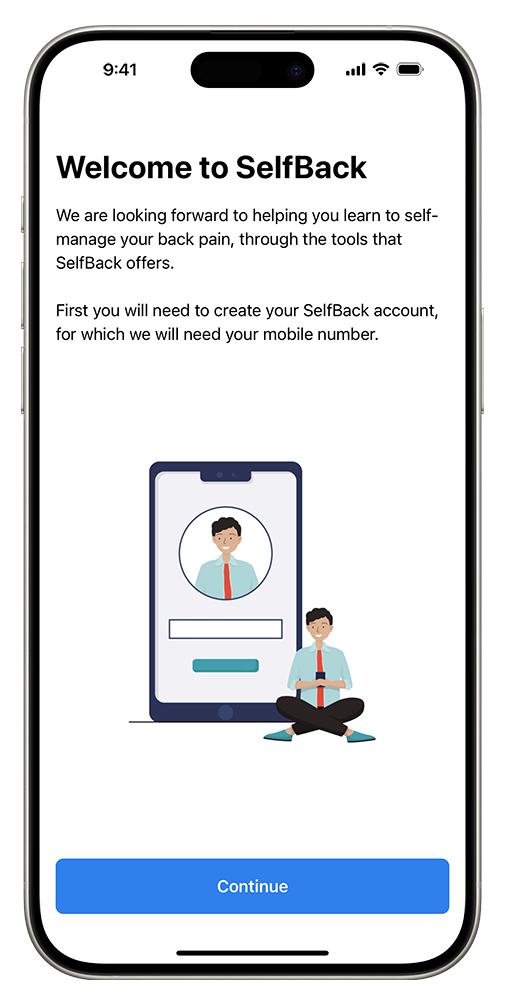
You're Set!
Complete your profile. Fill out the necessary details to finish setting up your account.
iPhone
Android


